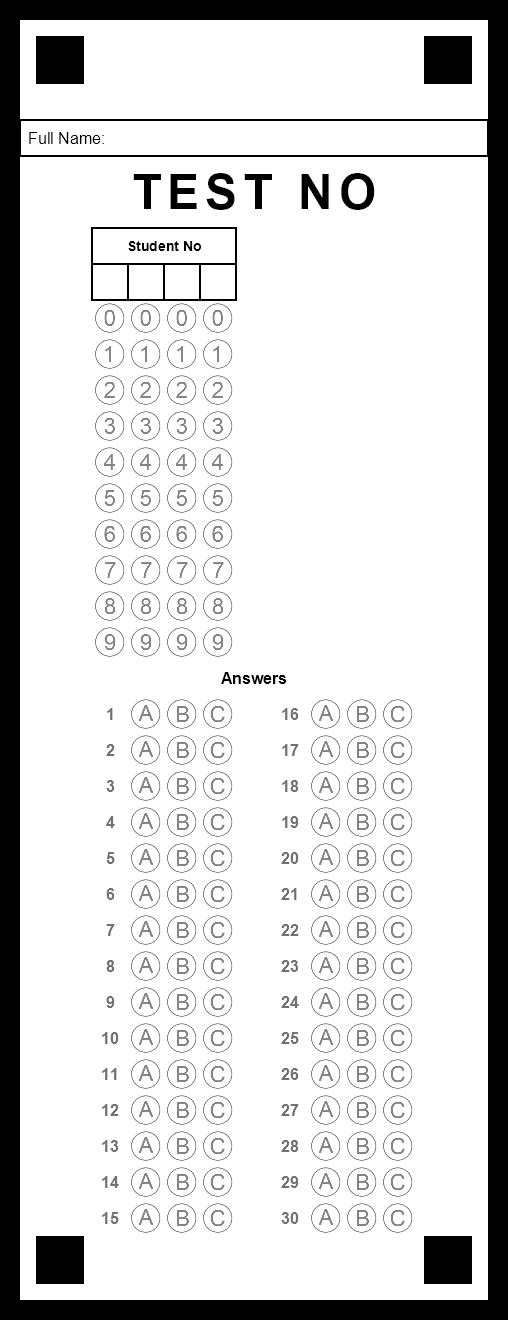
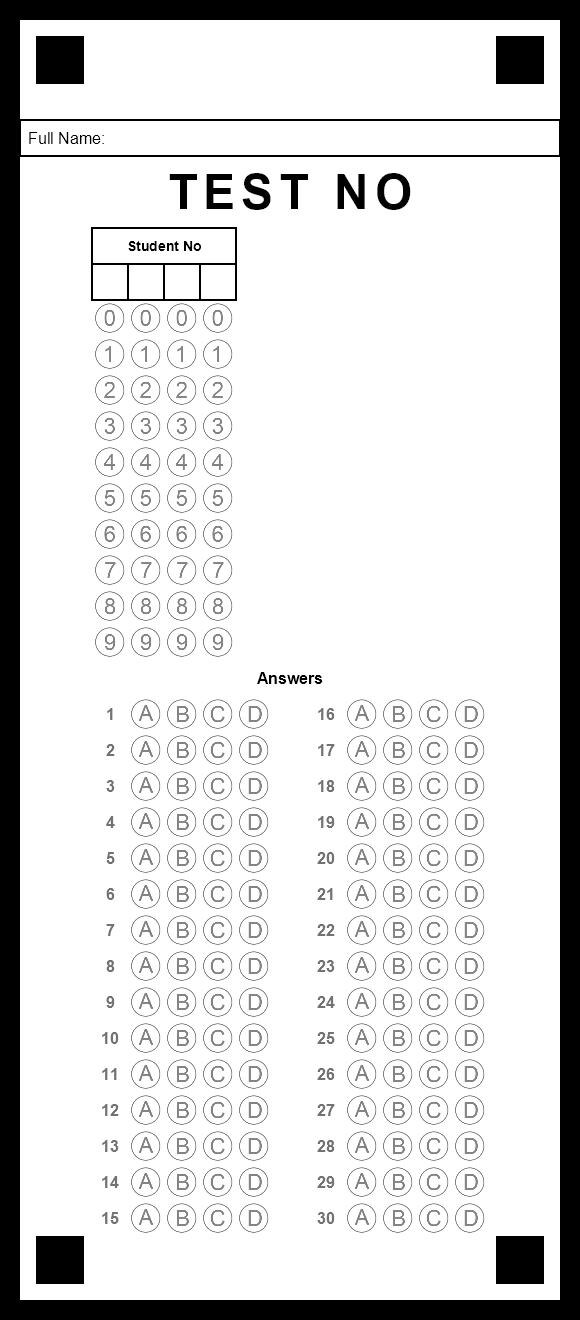
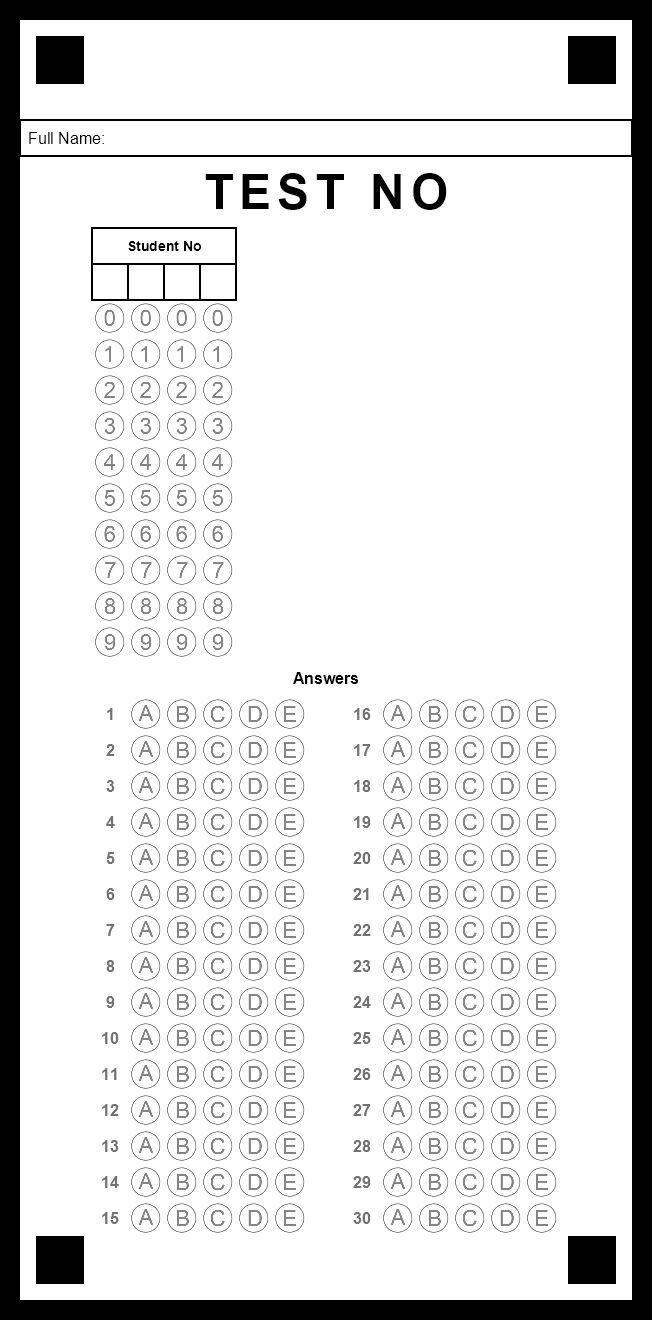
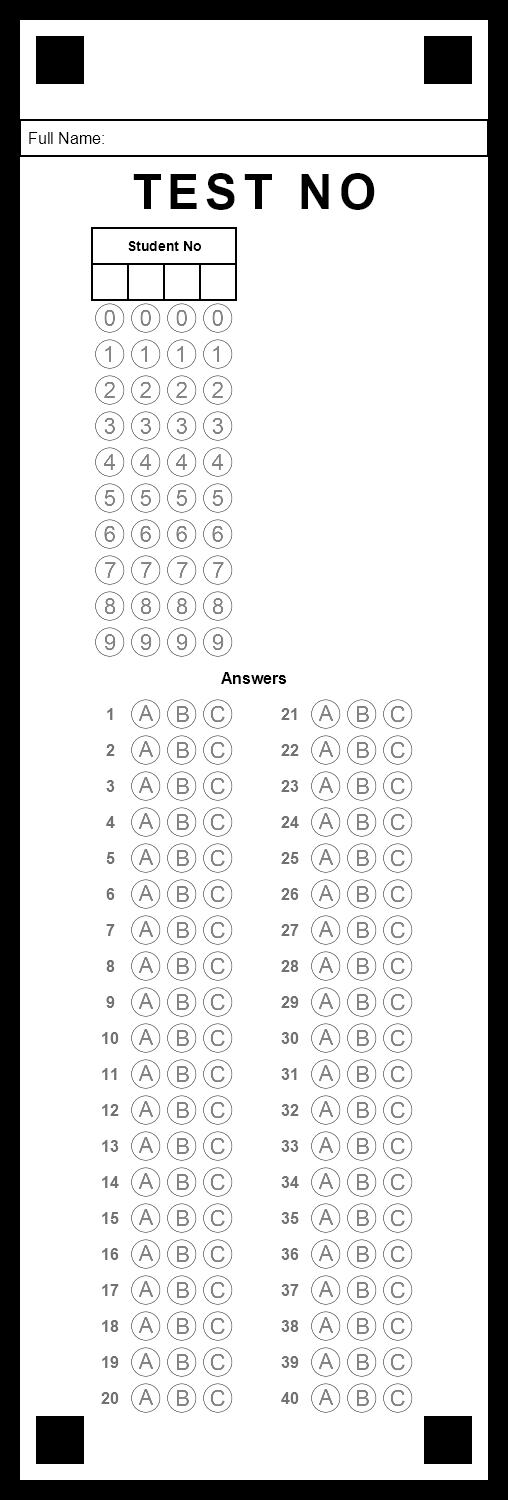
How many choices should I pick?
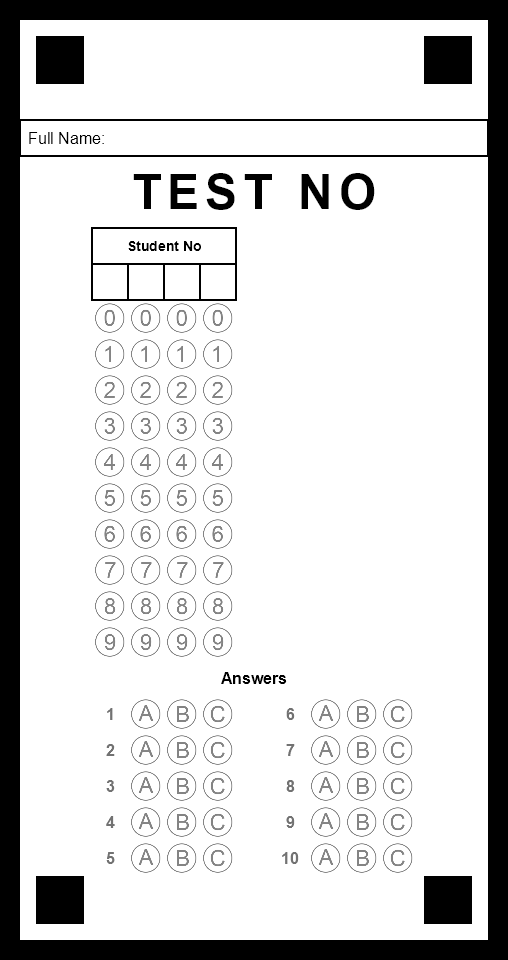
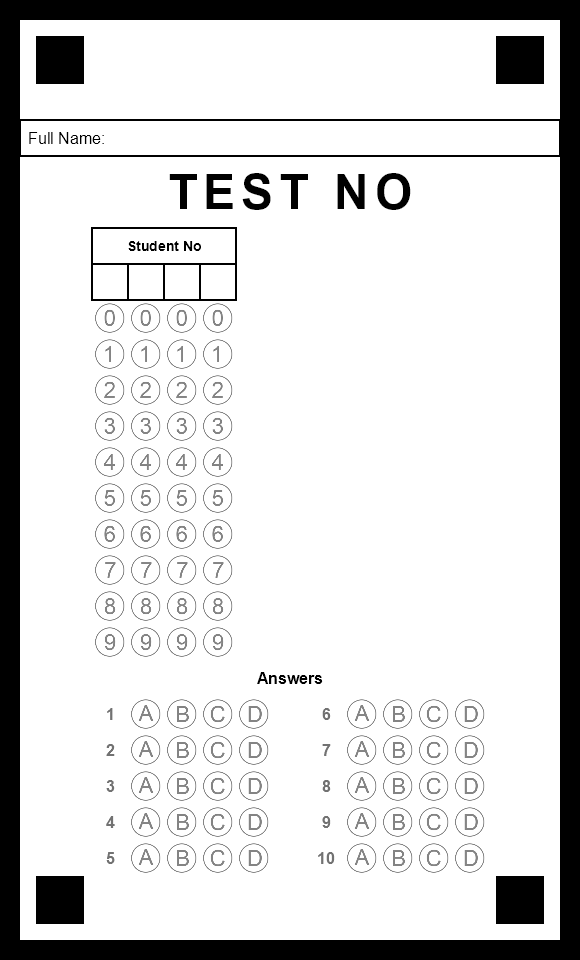
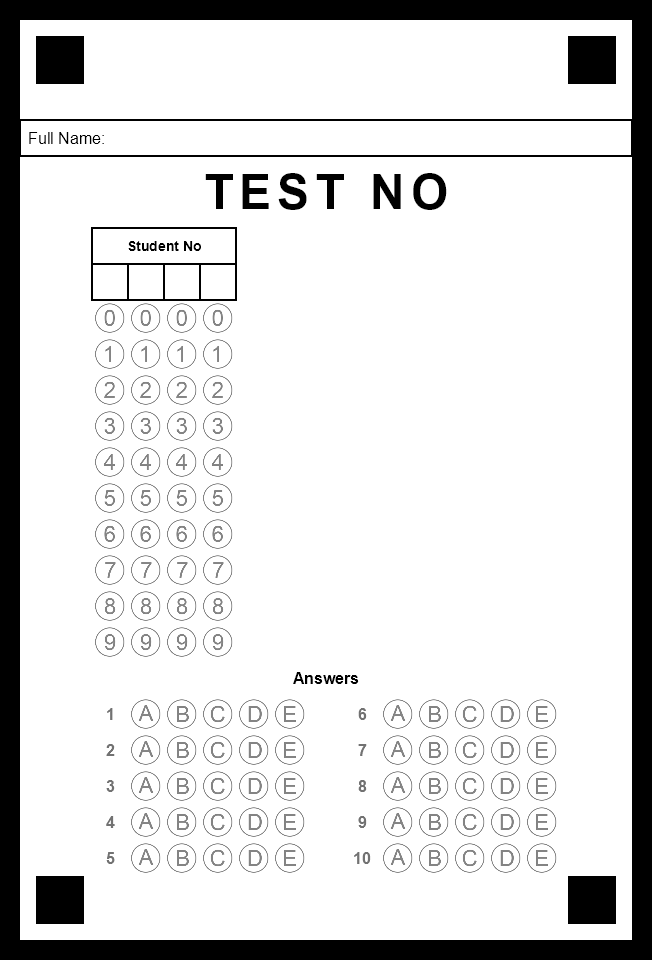
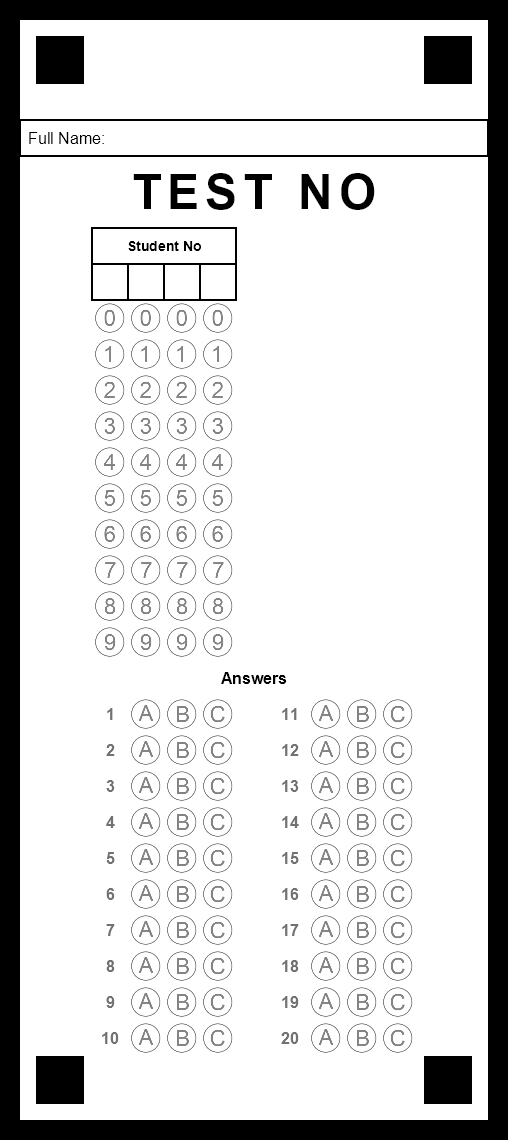
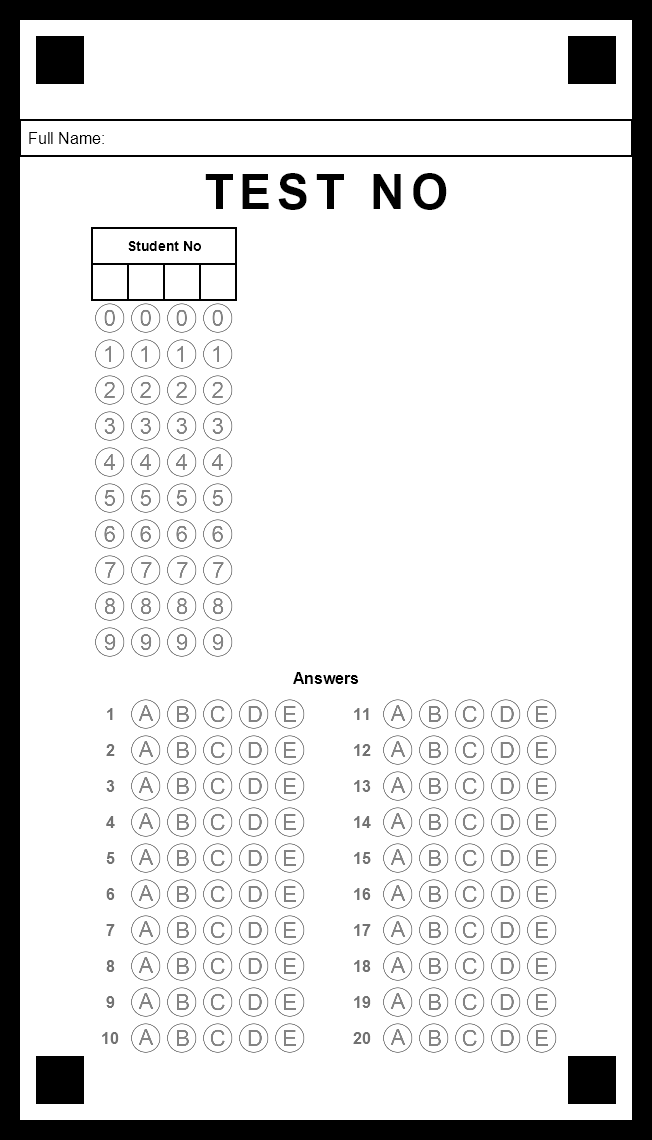
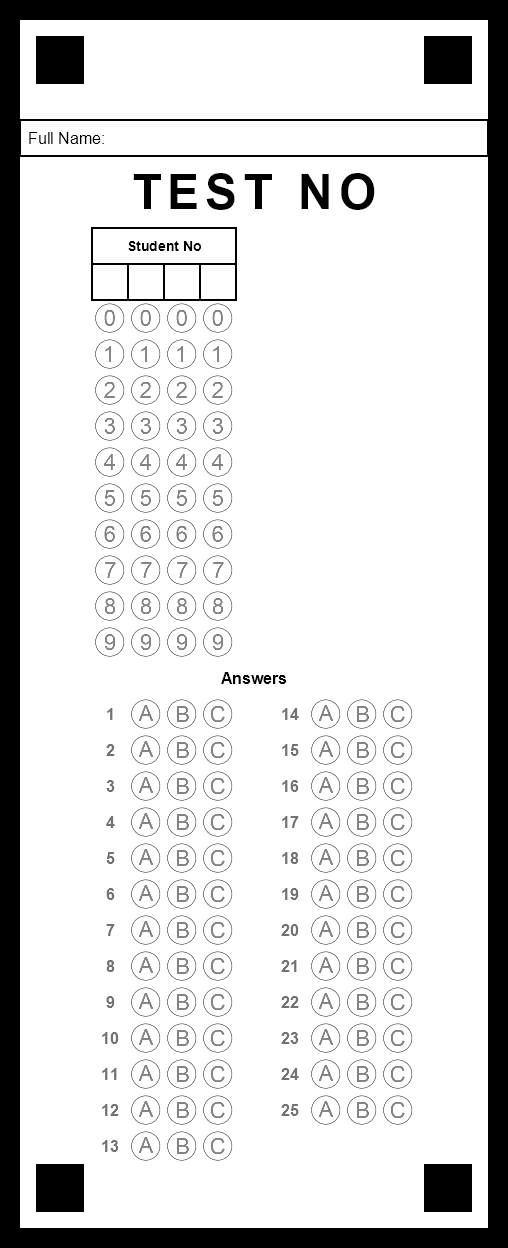
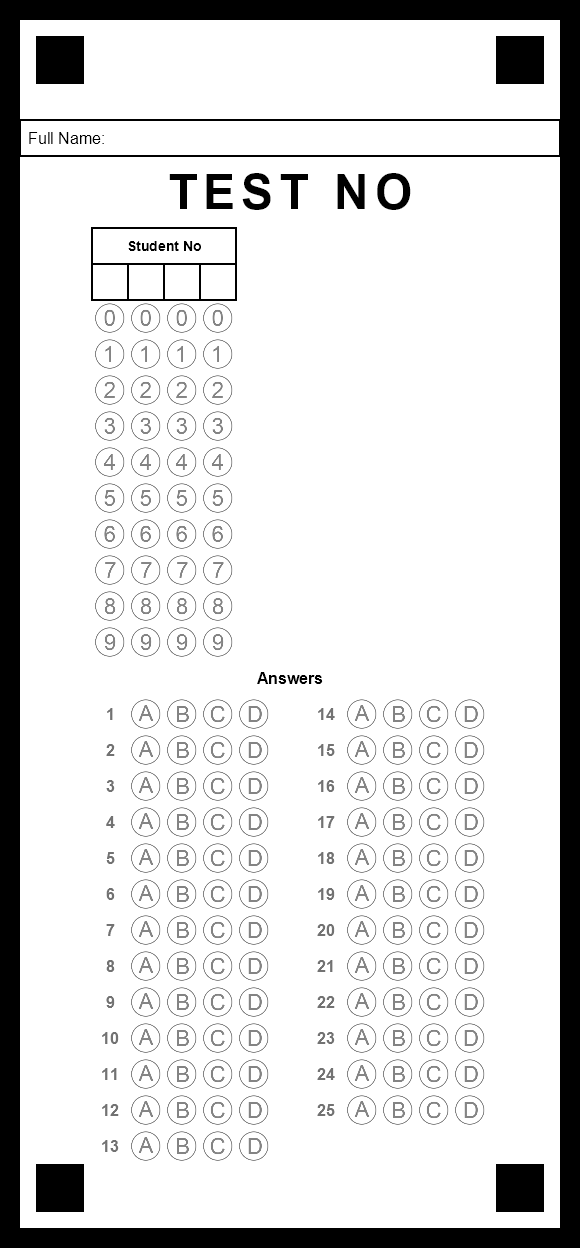
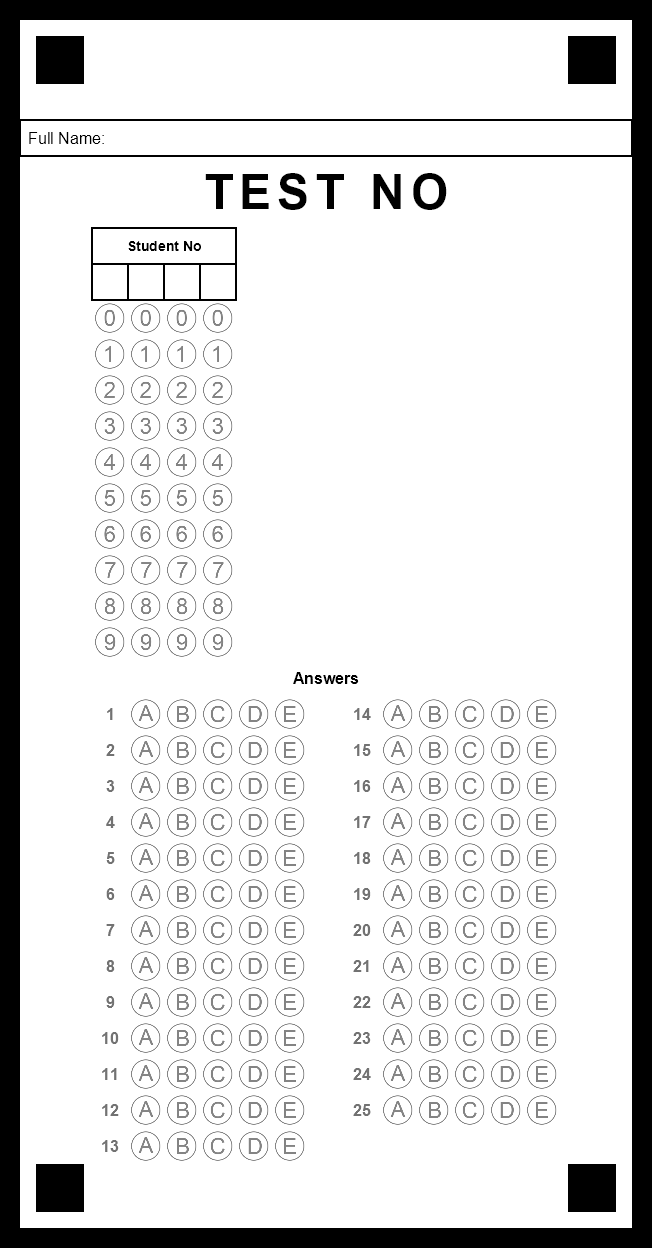
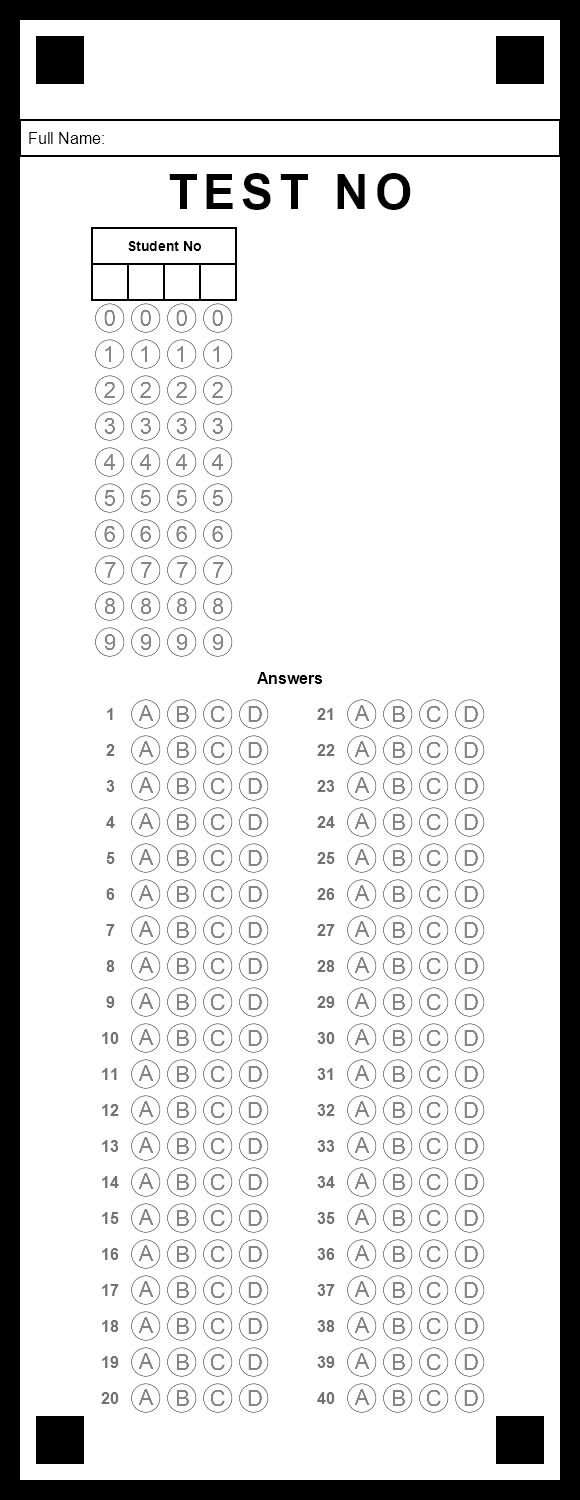
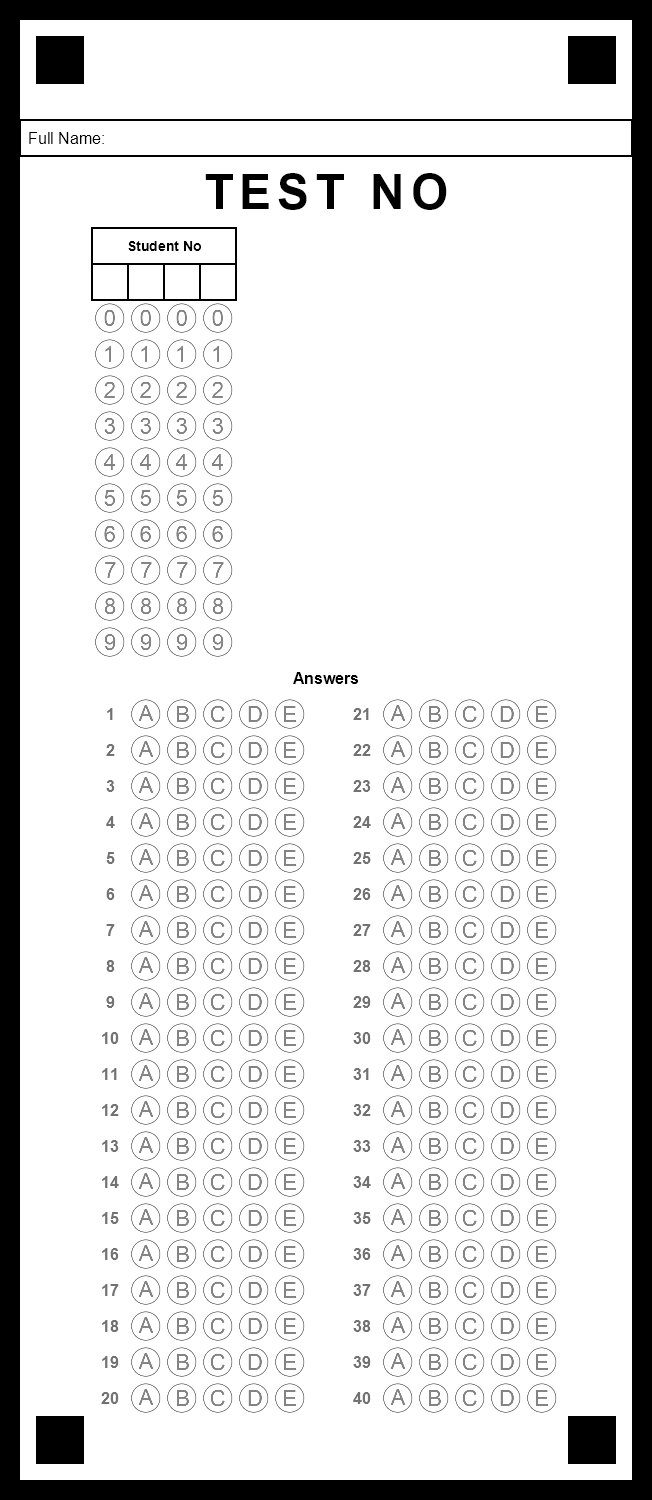
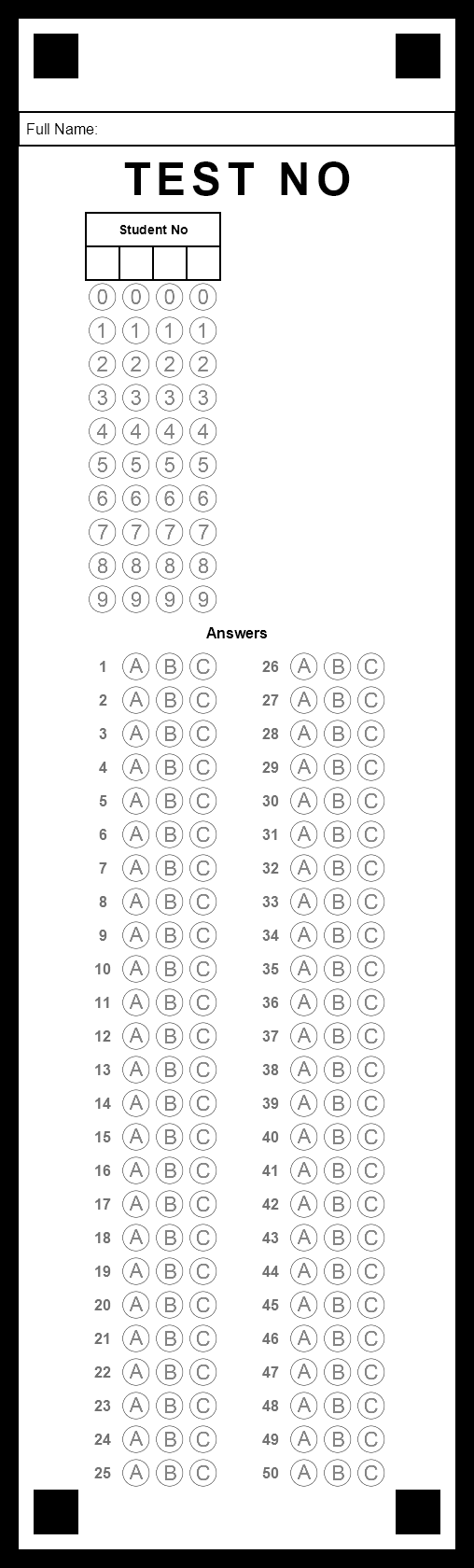
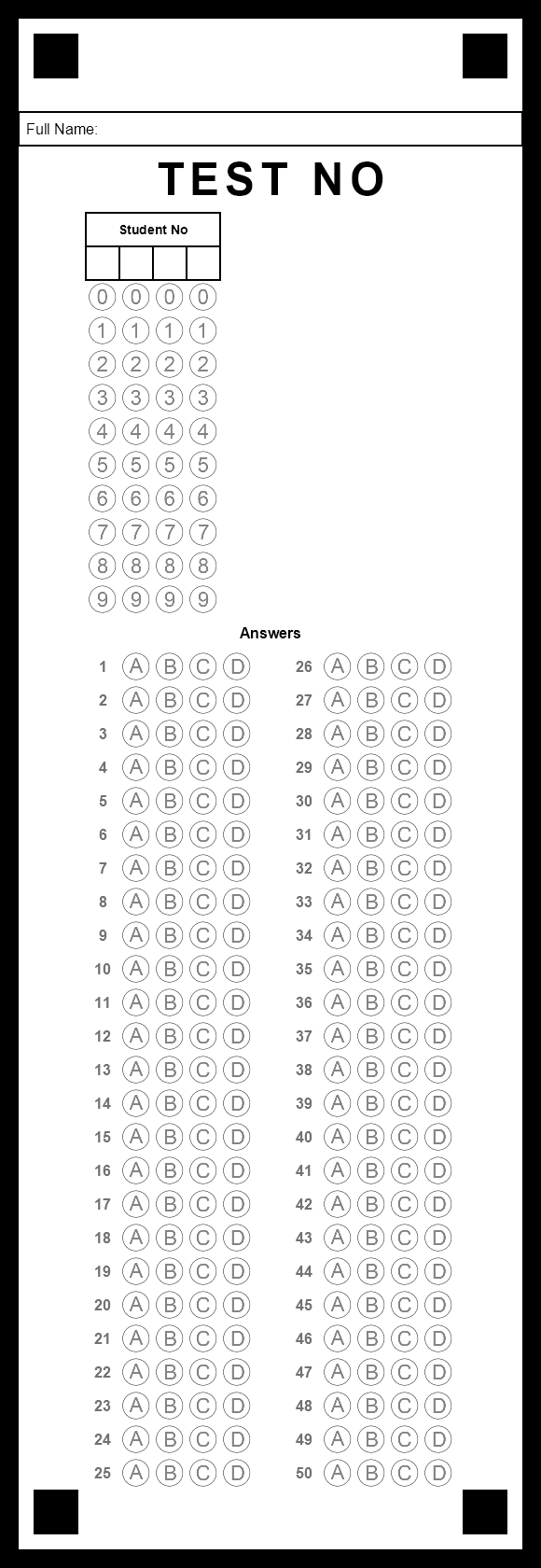
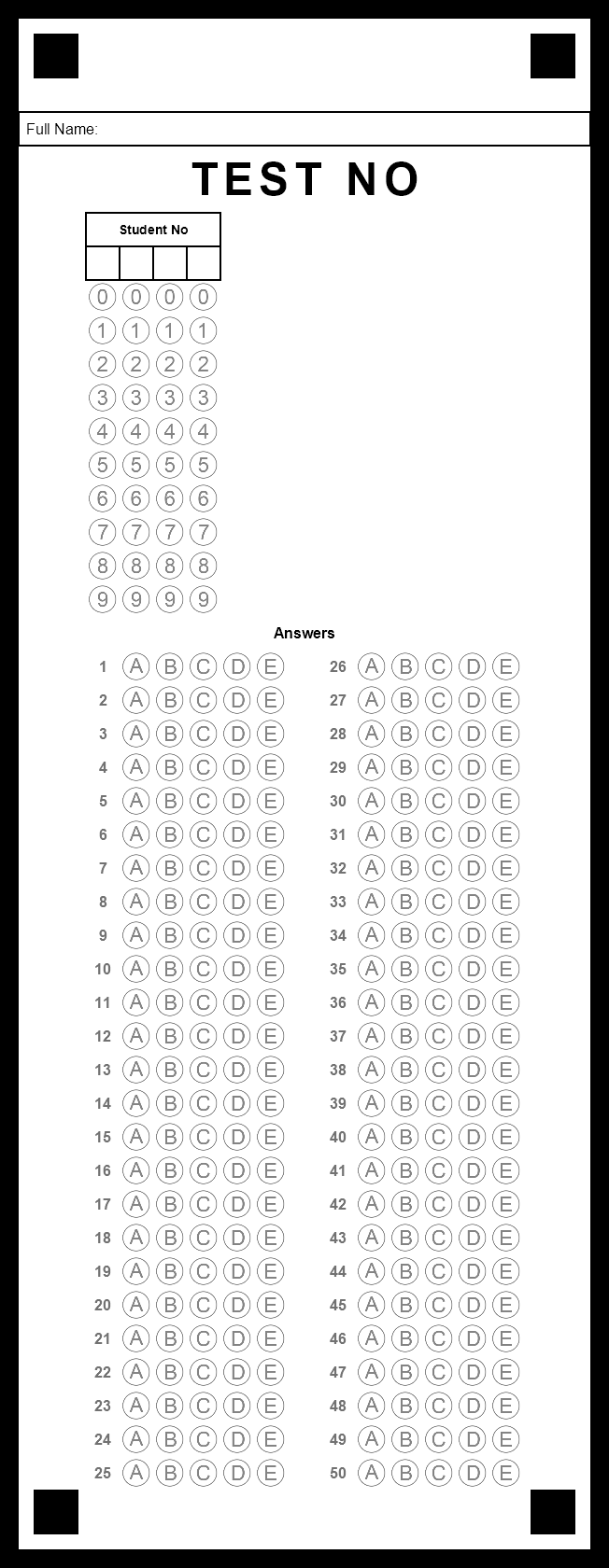
Pick the number of choices your questions have: A–C (3), A–D (4) or A–E (5). Every sheet has the same layout, only the number of bubbles per row changes.
 HazırTest4.0Download HazırTest ↓
Pick the number of questions and choices and download a printable bubble sheet (answer sheet) for free. The sheets are produced by HazırTest's own form renderer; scan the filled sheets and grade them in the HazırTest desktop app in seconds.
| Questions | 3 choices | 4 choices | 5 choices |
|---|---|---|---|
| 10 questions | PDF ↓ preview | PDF ↓ preview | PDF ↓ preview |
| 20 questions | PDF ↓ preview | PDF ↓ preview | PDF ↓ preview |
| 25 questions | PDF ↓ preview | PDF ↓ preview | PDF ↓ preview |
| 30 questions | PDF ↓ preview | PDF ↓ preview | PDF ↓ preview |
| 40 questions | PDF ↓ preview | PDF ↓ preview | PDF ↓ preview |
| 50 questions | PDF ↓ preview | PDF ↓ preview | PDF ↓ preview |
Each PDF is a single page: the sheet is printed at its real size in the middle of an A4 page. Photocopy it; do not shrink or crop it.
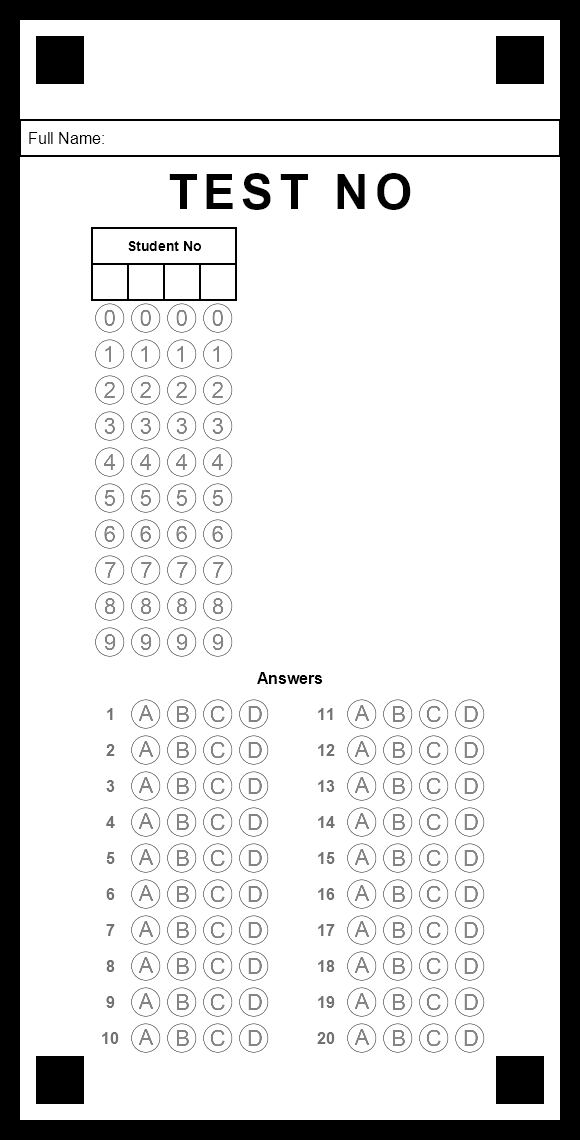
Pick the number of choices your questions have: A–C (3), A–D (4) or A–E (5). Every sheet has the same layout, only the number of bubbles per row changes.
These sheets are public, so they are not tied to an exam. Before scanning, click Test No on the Optical Scanning screen, choose Enter manually and type the 7-digit test number of your answer key; all sheets in that session are graded against it.
The software locates the bubbles from the answer key's settings. Columns, the test number section and the student number section must match these sheets, and they are the app's defaults. If you want a different layout, print the sheet from inside the app with your own settings.
Each PDF holds one sheet at its real size in the middle of an A4 page. Photocopy it, but do not scale or crop it: the four corner squares and the bubbles must be fully visible on the paper.
They are designed for HazırTest, which reads them from an ordinary scan (PDF or image). Other OMR systems use their own layouts and will not read them.
In HazırTest you can print sheets with 2–10 choices and any number of questions, class-specific sheets with student names printed, or design a completely custom answer sheet in the Optical Form Designer.
The free plan includes 10 test booklets (one-time) and 100 optical scans a month; no credit card is required. The Windows, macOS, Linux (Pardus), Android and iOS editions work with the same account, and the app is available in 21 languages.
iThe ARM64 build has just been released and is still being tested. If you run into a problem you can try the x64 (Intel / AMD) installer.
iThe ARM64 build has just been released and is still being tested. If you run into a problem you can try the x64 (Intel / AMD) installer.
Question bank, test creation, answer sheet scanning and reports in one application; your phone and computer work with the same account.
Back to the home page →